How to trade in Pokemon Champions
In Pokemon Champions, there is no direct way to trade with other players. If you want to use a traded Pokemon, you will have to bring it in via Pokemon HOME.
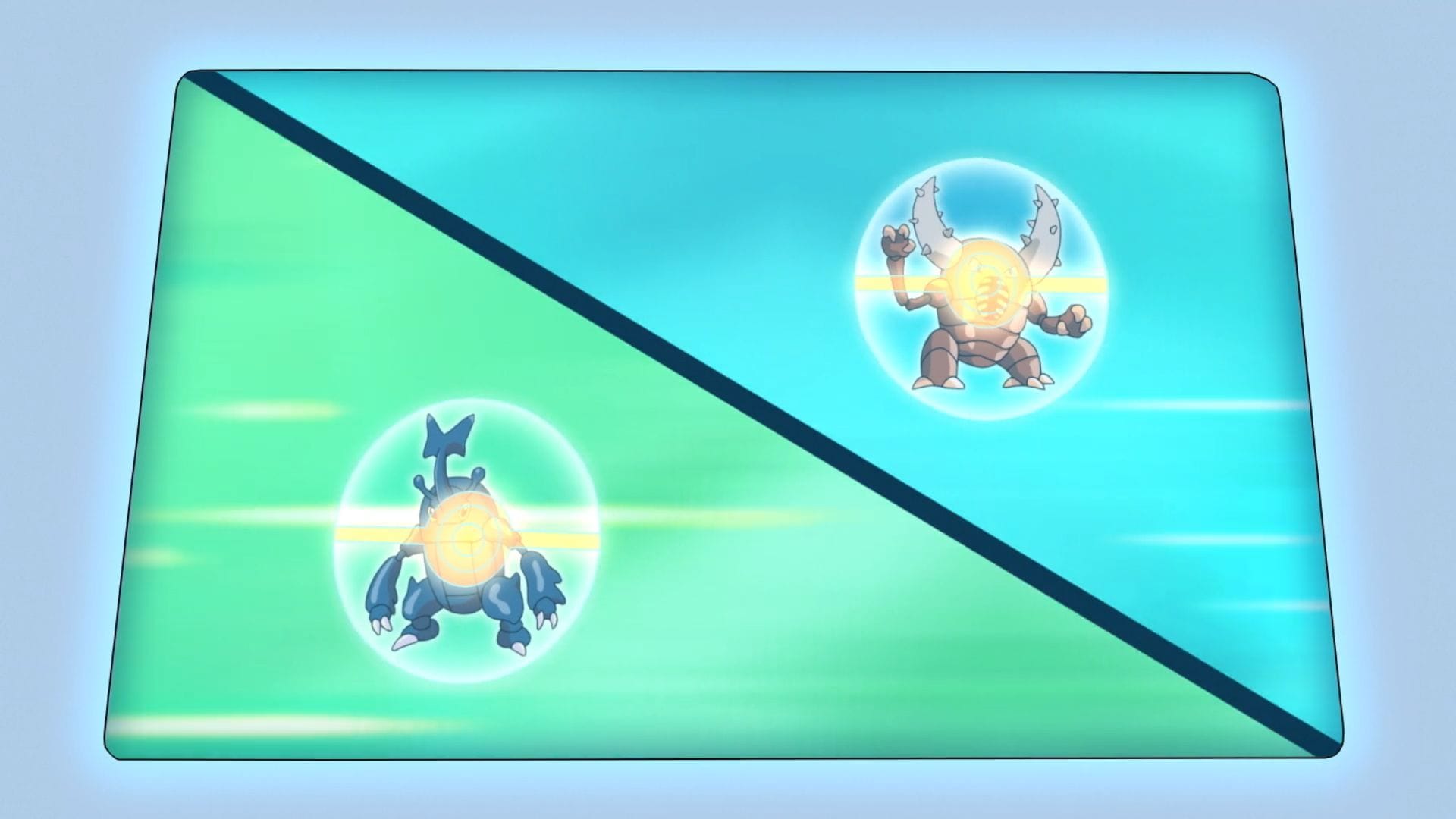
× In Pokemon Champions, there is no direct way to trade with other players. If you want to use a traded Pokemon, you will have to bring it in via Pokemon HOME. This is because all Pokemon that are present in the game are only usable within it and cannot be transferred.
However, you can share codes of your team using the "Replica Teams" feature so other players can use similar Pokemon as well. Ad As a result, you can still help other trainers as well as accept help from them by using the same Pokemon, moves, and items as them. Pokemon Champions: How to use Replica Teams A Replica Team in the game (Image via TPC) 🚨 Calculate how strong your evolved Pokémon will become with our newly launched Pokemon GO Evolution Calculator 🚨 Unlike rental teams from past games, you will need to have recruited the Pokemon in order to use them on your Replica Team.
Additionally, you will also need to purchase the items you will want to use. Ad Trending Here are the steps to using a Replica Team: Open the "Train" option on the main screenPick the second option in the next menu, "Replica Teams"Pick the first option "Build Teams Using Team IDs"The next team gives you the option to "Select a Battle Team to Edit." If you have no teams and have not spent any money, you should have three Team slots open.
Pick an empty one.Select "Yes" when asked if you want to build a new Replica TeamYou will then be asked to provide a Team ID, which you can get from the player whose team you want to use.Once you provide the code, you will be shown the full details of their team.
Select "Yes" to use it.After that you will be given a complete summary of their team, including the VP cost needed to train your PokemonAccept the VP cost if you have the funds, and then you can use the team. Ad Also read: Best Pokemon Champions teams for VGC 2026 How to share a team in Pokemon Champions These are the steps involved for you to share your team to others: Once you get to the "Replica Teams" option, this time select "Share Your Battle Teams."
Fill in an empty slot with one of your battle teams when prompted.Select "Yes" and then share your team. There will be a code for this team which you can check by going to "View Details."
Ad Also read: How to transfer from Pokemon GO to Pokemon Champions Check out our other Pokemon Champions related articles below: All Mega Evolution Abilities in ChampionsAll Mega Stones list and their price in ChampionsBest Venusaur moveset and nature in ChampionsBest Gengar moveset and nature in ChampionsBest Archaludon moveset and nature in ChampionsBest Tyranitar moveset and nature in ChampionsBest Froslass moveset and nature in ChampionsHow to Recruit Pokemon in ChampionsBest ways to farm VP fast in ChampionsHow to link Champions to Pokemon HOME × Was this article helpful? Thank You for feedback 🚨 Calculate how strong your evolved Pokémon will become with our newly launched Pokemon GO Evolution Calculator 🚨 Quick Links More from Sportskeeda Edited by Akash Sil In Pokemon Champions, there is no direct way to trade with other players. If you want to use a traded Pokemon, you will have to bring it in via Pokemon HOME.
This is because all Pokemon that are present in the game are only usable within it and cannot be transferred. However, you can share codes of your team using the "Replica Teams" feature so other players can use similar Pokemon as well. Ad As a result, you can still help other trainers as well as accept help from them by using the same Pokemon, moves, and items as them.
Pokemon Champions: How to use Replica Teams A Replica Team in the game (Image via TPC) 🚨 Calculate how strong your evolved Pokémon will become with our newly launched Pokemon GO Evolution Calculator 🚨 Unlike rental teams from past games, you will need to have recruited the Pokemon in order to use them on your Replica Team. Additionally, you will also need to purchase the items you will want to use. Ad Trending Here are the steps to using a Replica Team: Open the "Train" option on the main screenPick the second option in the next menu, "Replica Teams"Pick the first option "Build Teams Using Team IDs"The next team gives you the option to "Select a Battle Team to Edit."
If you have no teams and have not spent any money, you should have three Team slots open. Pick an empty one.Select "Yes" when asked if you want to build a new Replica TeamYou will then be asked to provide a Team ID, which you can get from the player whose team you want to use.
Once you provide the code, you will be shown the full details of their team. Select "Yes" to use it.After that you will be given a complete summary of their team, including the VP cost needed to train your PokemonAccept the VP cost if you have the funds, and then you can use the team.
Ad Also read: Best Pokemon Champions teams for VGC 2026 How to share a team in Pokemon Champions These are the steps involved for you to share your team to others: Once you get to the "Replica Teams" option, this time select "Share Your Battle Te
Đọc thêm từ Thể thao
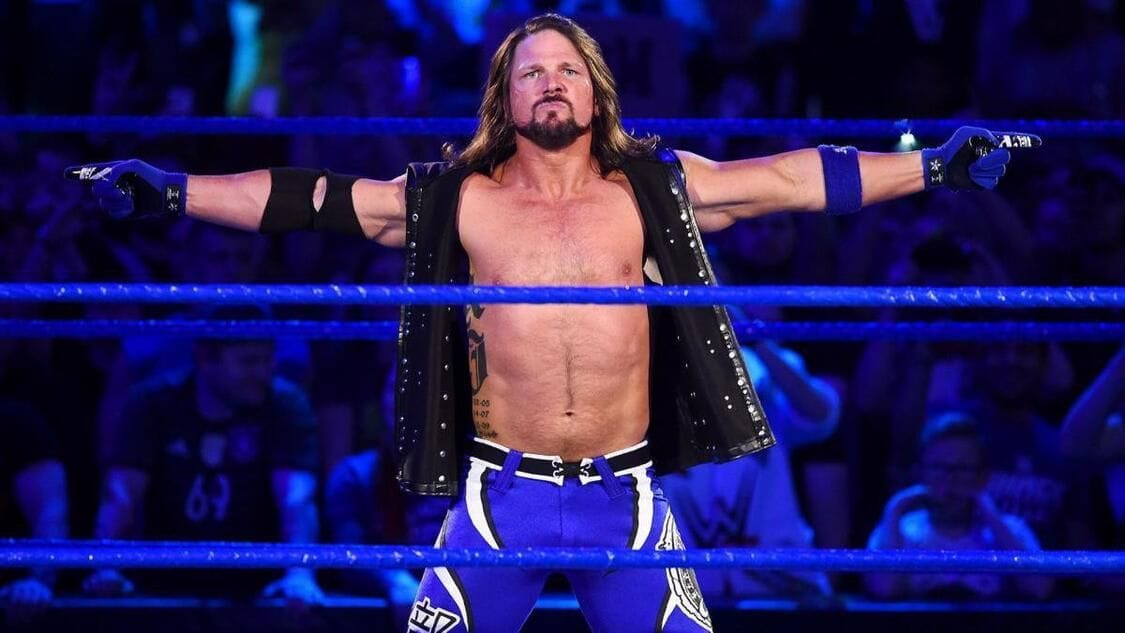
AJ Styles continues to defend 57-year-old veteran who quit WWE this year
AJ Styles spent a decade in WWE before retiring earlier this year after losing to Gunther at the Royal Rumble.

"Clocked them"- Fans react after BTS' Jungkook claps back at "amateur" anime criticism on Instagram story
On June 22, 2026, BTS' Jungkook posted an Instagram story. The story included a screenshot of a tweet from X user @gwadoki criticizing his anime experience.

Paul Heyman subtly spoils Roman Reigns' opponent at WWE Crown Jewel 2026
Roman Reigns seems unstoppable in WWE this year, with wins over top names like CM Punk and Jacob Fatu. The OTC's former Wiseman, Paul Heyman, recently spoiled his opponent for Crown Jewel 2026.
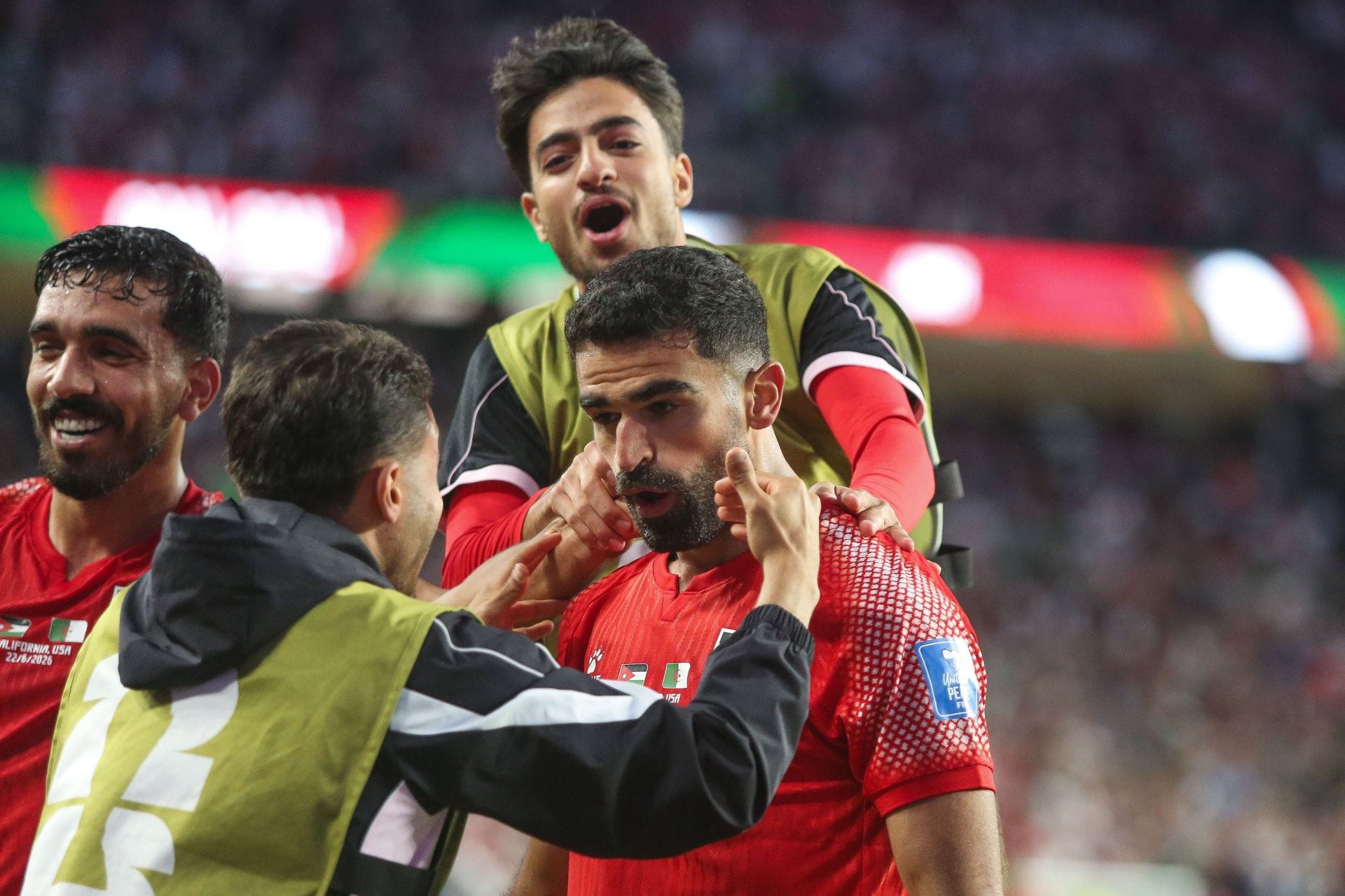
Jordan 1-2 Algeria: 5 Talking Points as the Desert Warriors stage second-half comeback to keep FIFA World Cup hopes alive
Algeria staged a second-half comeback to secure a thrilling 2-1 win over Jordan in their 2026 FIFA World Cup clash.