From the Hugging Face Hub to robot hardware with Strands Agents and LeRobot
Back to Articles From the Hugging Face Hub to robot hardware with Strands Agents and LeRobot Enterprise Article Published June 17, 2026 Upvote 2 Sundar Raghavan rsundaraws Follow amazon Cagatay Cali cagataydev Follow amazon A walkthrough of the LeRobot integration in Strands Robo
Back to Articles From the Hugging Face Hub to robot hardware with Strands Agents and LeRobot Enterprise Article Published June 17, 2026 Upvote 2 Sundar Raghavan rsundaraws Follow amazon Cagatay Cali cagataydev Follow amazon A walkthrough of the LeRobot integration in Strands Robots - one agent loop, from a Hub dataset to a physical robot, with sim-to-real datasets in the same on-disk format and policies you swap with a string. You have a robot, a folder of demonstration data on the Hugging Face Hub, and a new task you want it to learn. Today that takes five separate tools: one to record new demonstrations, another to train, a third to test in simulation, custom code to deploy on hardware, and yet another to coordinate when you have more than one robot.
The pieces work on their own. They don't talk to each other. Strands Robots is an open source SDK from AWS (Apache 2.
0) that exposes robot abstractions, simulation, and the LeRobot stack as AgentTools that you compose into a single Strands agent. The integration is deliberately thin: LeRobot's own scripts handle hardware recording and calibration, and the Strands AgentTools come in for the parts an agent actually orchestrates. The simulation tool records LeRobotDatasets in the same format LeRobot writes on hardware.
GR00T and LerobotLocal serve policy inference behind a common interface, and MolmoAct2 checkpoints run through the LerobotLocal path. A peer mesh fans the agent out to remote robots. The dataset format stays exactly as LeRobot wrote it; the agent loop is the glue.
This post walks you through five steps inside a single agent: build the agent over the LeRobot AgentTools, record a demonstration as a LeRobotDataset in simulation, run a policy on the same robot, deploy the same agent code to a physical SO-101 with one keyword argument change, and broadcast commands across a fleet over the Zenoh mesh. At the end, you can clone the working sample application from GitHub and run it on your laptop in simulation. No hardware, no GPU, no Hugging Face credentials needed for the default path.
The runnable companion to this post lives at examples/lerobot/hub_to_hardware.py and hub_to_hardware.ipynb.
The notebook is sim-only and Mock-policy by default. What you'll build The Strands Robots SDK exposes the LeRobot stack as AgentTools that you compose into one Strands agent. The example agent in this post does four things: record new demonstrations in simulation, push the result to the Hub as a LeRobotDataset, run a policy in simulation against that same format, and deploy the same agent code to a physical robot with one keyword argument change.
When you have more than one robot, the agent can coordinate the whole fleet through a built-in peer mesh. For hardware recording and calibration, LeRobot's own CLIs (lerobot-record, lerobot-calibrate) handle the bring-up; the agent picks up from there. Figure 1.
Robot("so100") defaults to a MuJoCo-backed simulation; mode="real" returns a hardware robot driven by LeRobot. Both modes share the same DatasetRecorder and the same policy providers, so a dataset captured in sim and a dataset captured on hardware use the same on-disk LeRobotDataset format. Two design choices make this work.
First, Robot("so100") returns a simulation by default (no hardware, no risk), and mode="real" returns a hardware-backed robot driven by LeRobot. The agent code is identical across both modes. Second, the DatasetRecorder that writes a LeRobotDataset is shared between the simulation path and LeRobot's own hardware recording, so a dataset captured in MuJoCo and one captured from a physical SO-101 are in the same format.
The whole workflow in five lines of Python: from strands_robots import Robot from strands import Agent arm = Robot("so100") # mode="sim" (default - safe, no hardware) agent = Agent(tools=[arm]) agent("Pick up the red cube") What follows is what's actually happening inside that call, step by step. Prerequisites Minimal (default simulation path) Python 3.12+, on Linux or macOS (Apple Silicon supported for the MuJoCo backend).
A Strands-compatible model provider for the agent's reasoning. Amazon Bedrock with AWS credentials, the Anthropic API, OpenAI, or Ollama running locally. Strands Robots installed with the install extras: uv pip install "strands-robots[sim-mujoco,lerobot,mesh]" That's it.
The example in this post runs end-to-end on a laptop with these three. Advanced (hardware deployment, real policies, Hub push) A Hugging Face account and token with write permission, for pushing datasets and pulling policy checkpoints from the Hub. For the hardware path: an SO-101 follower and leader pair, or any other LeRobot-supported robot.
Both devices need calibration files under ~/.cache/huggingface/lerobot/calibration/. For local GR00T inference: an NVIDIA GPU with at least 16 GB of video memory and Docker installed.
The post uses the gr00t_inference tool's lifecycle="full" action, which pulls the image, downloads a checkpoint, and starts
Đọc thêm từ Trí tuệ nhân tạo
Fewer deals, record value. Singapore M&A hit $84.5b as just 8 mega-deals drove 73% of total value — and PE activity reached an all-time high.
Exclusive In Focus Vincent Mariel Galang , Singapore Published: in 12 hours Photo by Khwanchai Phanthong via Pexels Big-ticket deals lift Singapore M&A as volumes fall Private equity and AI infrastructure drive record deal concentration.Singapore’s mergers and acquisitions (M&A)

ZDNET Morning 17/06/2026 : IA d'entreprise : Anthropic s'empare de la première place, Snap Specs : des lunettes de RA à 2200 dollars, Android 17 se dévoile,...
Le ZDNET Morning le brief de l'actu tech pour les pros tous les matins à 9h00. Transformation numérique, IA, matériel, logiciels,... ne passez pas à côté de ce qui fait la Une du secteur.
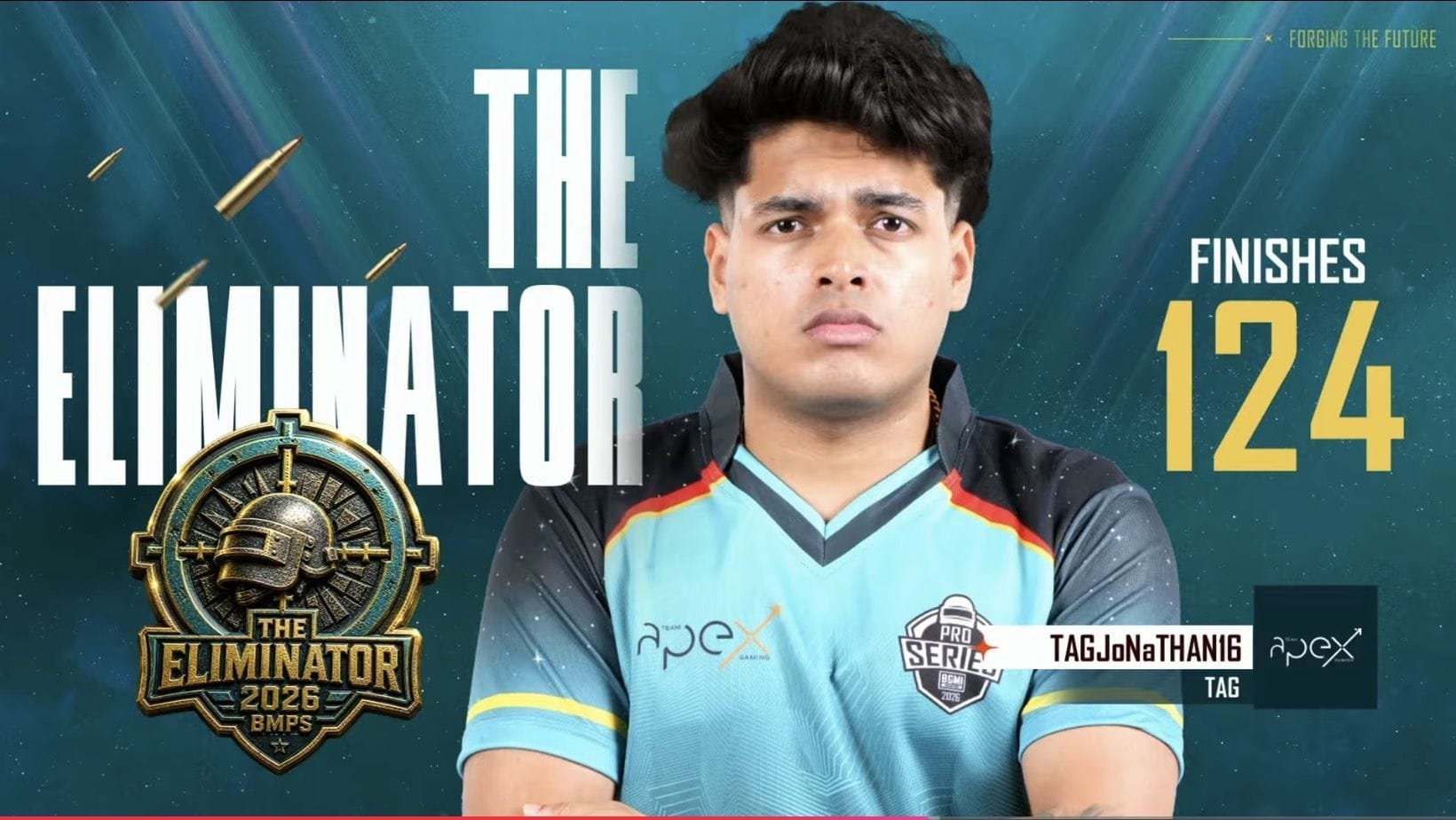
BMPS 2026 Grand Finals: Prize pool distribution revealed
The Grand Finals of the Battlegrounds Mobile India Pro Series (BMPS) 2026 will be organized in Jaipur from June 19 to 21, 2026, with 16 BGMI teams competing for the prestigious trophy.
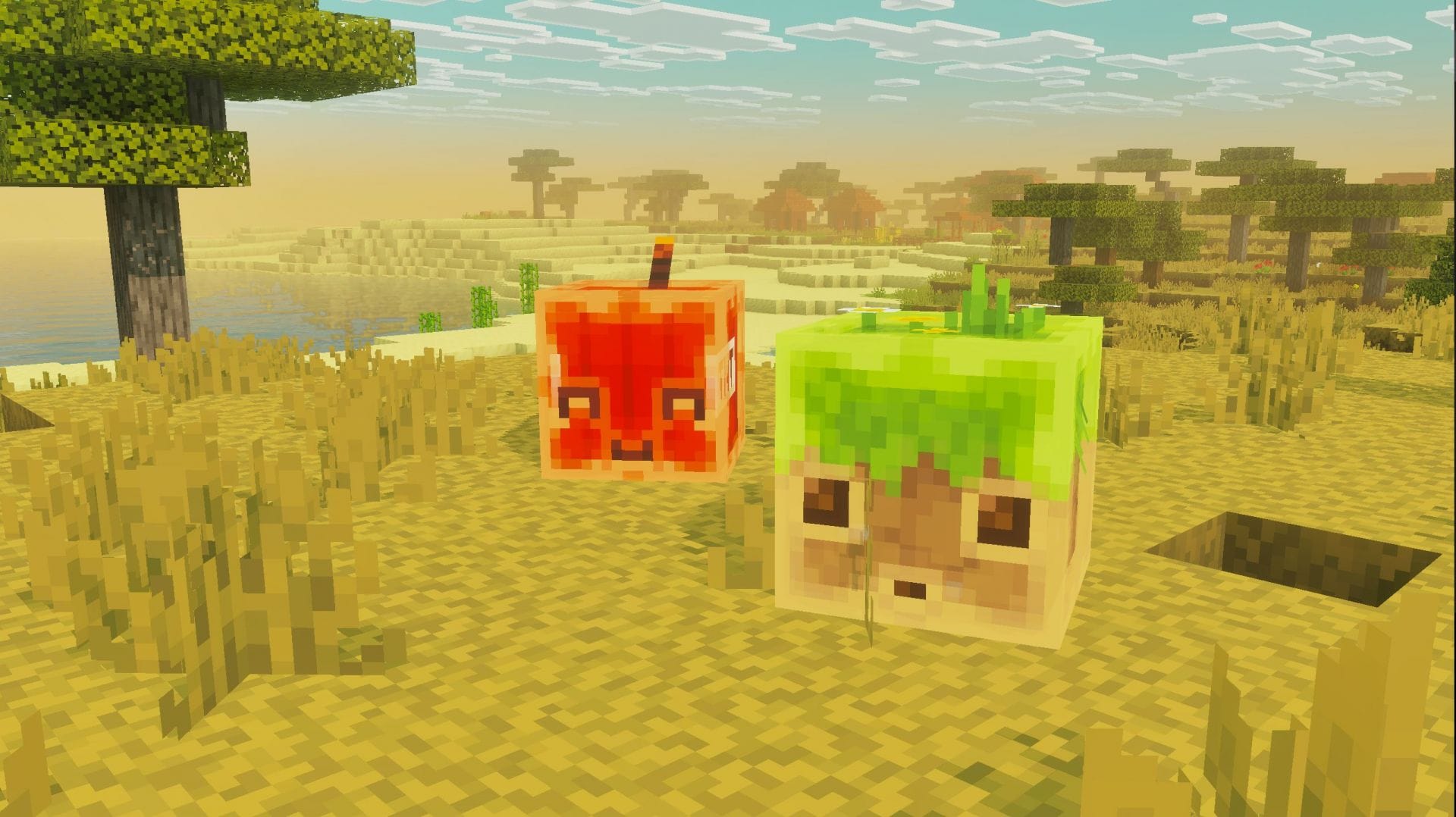
Minecraft Actions and Stuff add-on 1.11 update adds Chaos Cubed features, minigame prop textures, and more
Soon after Mojang released the Chaos Cubed game drop, Oreville Studios also released the Minecraft Actions and Stuff add-on 1.11 update for Bedrock Edition.